The Loxo MCP connects Claude, ChatGPT, Cursor, and other AI assistants directly to your recruiting data — so you can ask questions in plain text and get answers based on what's actually in Loxo, not guesses or outdated exports.
Trusted by 125,000+ recruiters around the globe


Right now, most recruiting teams using AI are stuck doing one of three things. Each either wastes time or introduces risk — and none of them get better the longer you use the tool.
The Loxo MCP is built on the Model Context Protocol, an open standard that lets AI assistants securely connect to external systems and data sources. It's not a new product you buy or a workflow you have to adopt — it's a bridge between Loxo and the AI tools you’re already using.
Three simple steps — and a couple of clicks — and you'll be on your way.

Step 1: Connect once
Add the Loxo MCP to Claude, ChatGPT, or whatever your AI tool of choise is with a single secure sign-in. No exports, no spreadsheets, no copy-paste — just a few clicks.

Step 2: Ask in plain language
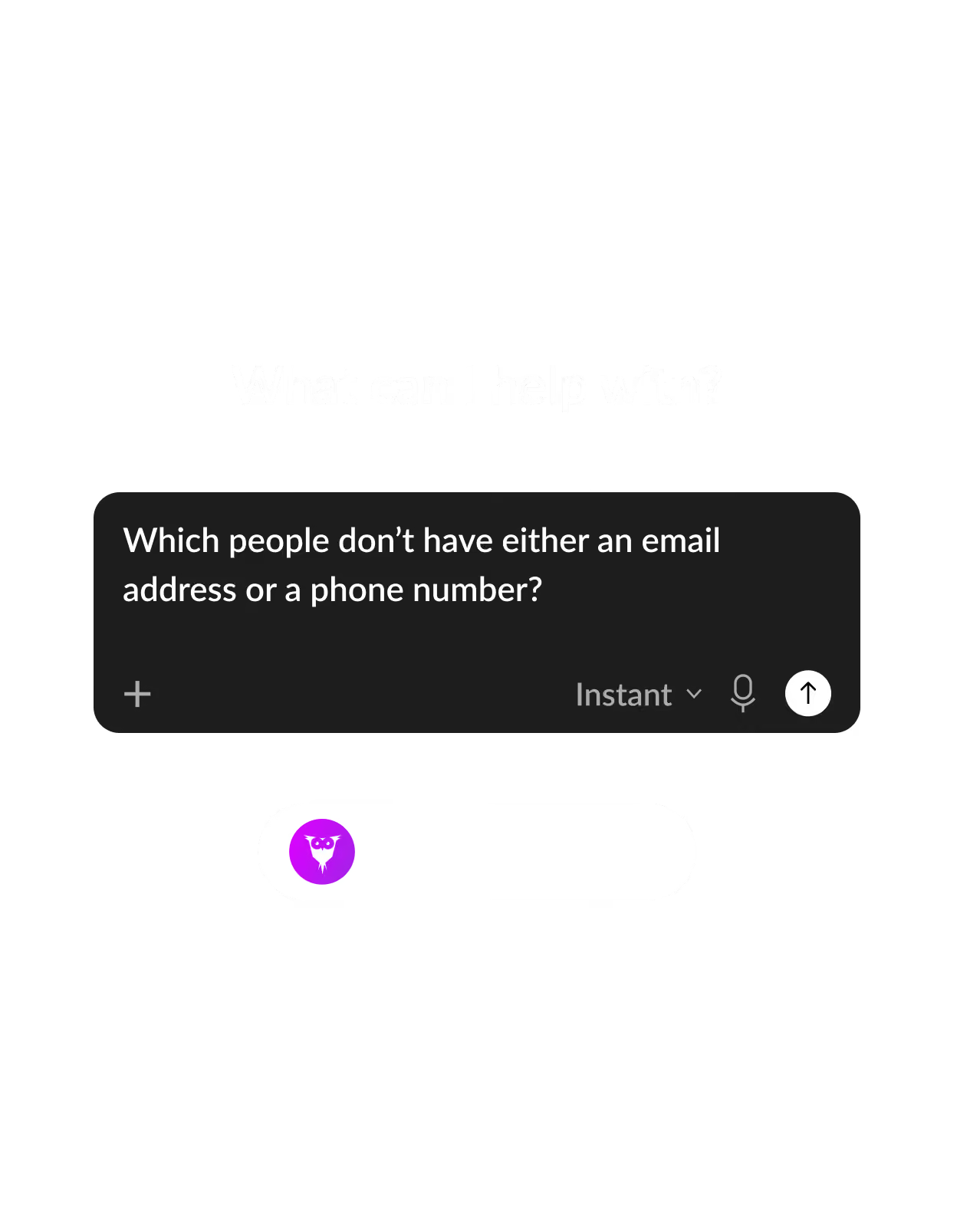
"Build me a longlist." "Who's gone quiet?" "Brief me on this candidate." The model understands the request and then searches for the answer within your Loxo database.

Step 3: An answer, with proof
Real candidates and context, straight from your databse. The model will provide reasoning, but all of the data comes from Loxo.
WARM UP YOUR PIPELINE
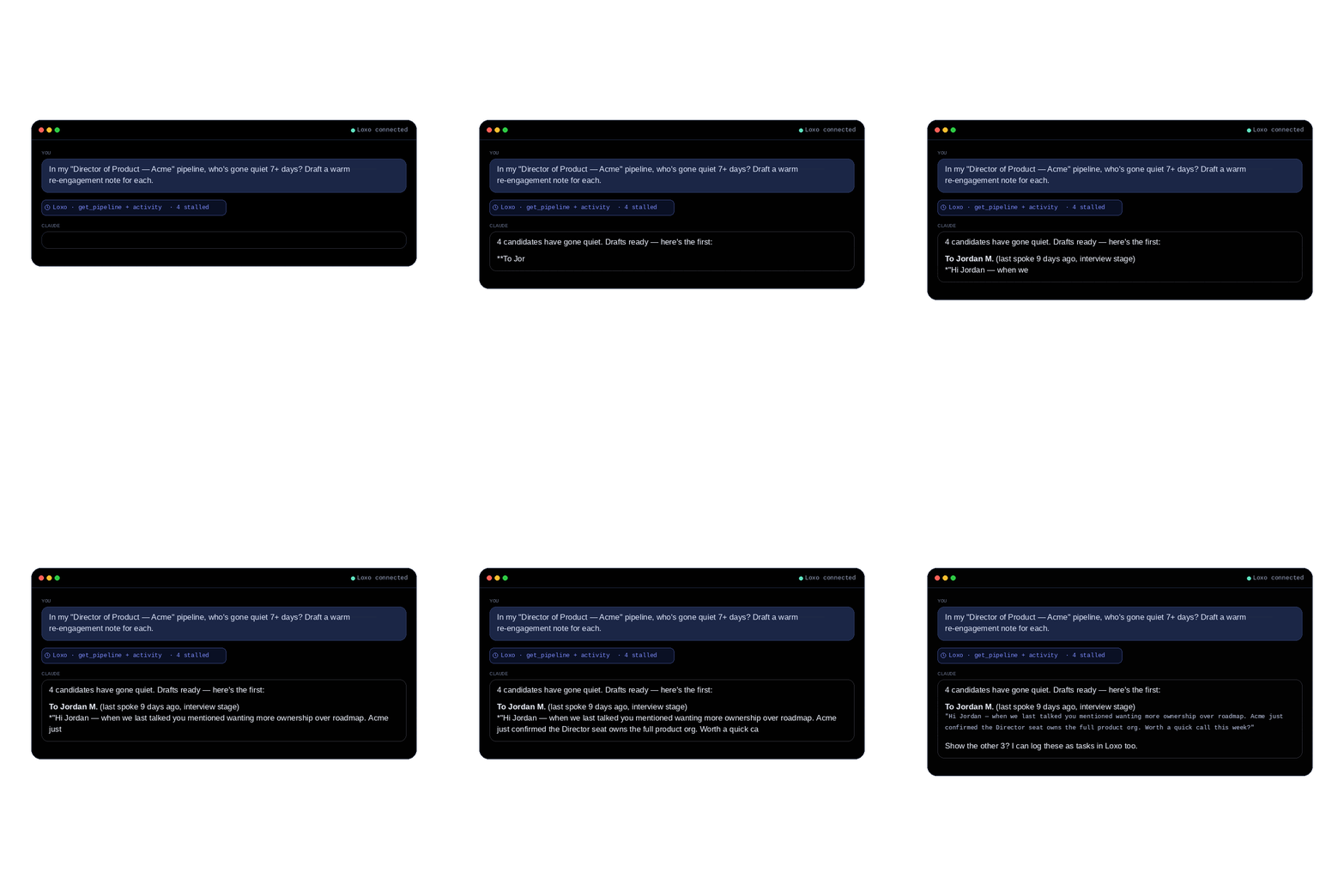
Your next placement may already be in your database. Use the Loxo MCP to ask which candidates have stalled — then instantly draft re-engagement messages based on each person's history, not templates. Better yet? All of that context will then make its way back into Loxo.
SOURCING, SIMPLIFIED
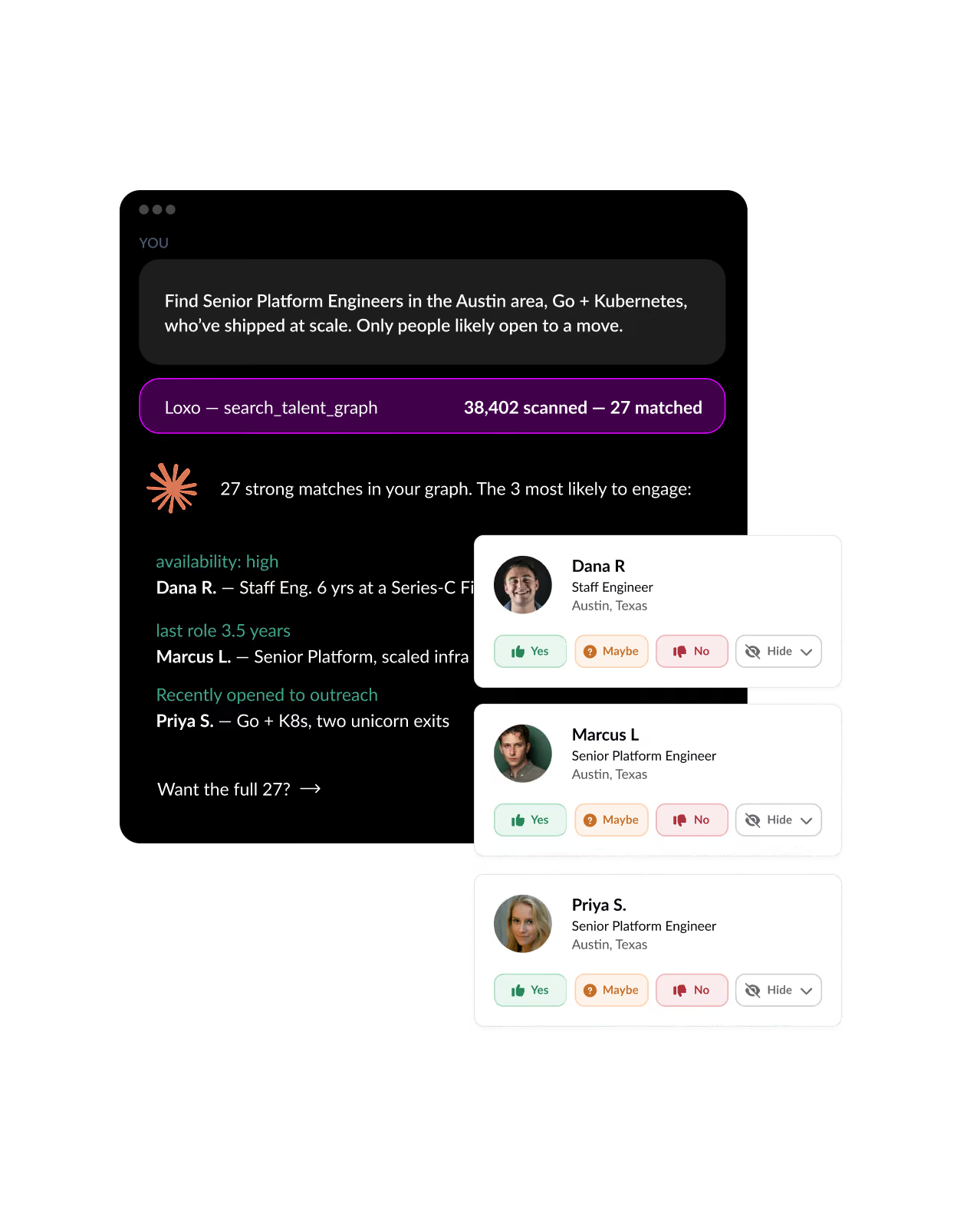
Describe the person you're looking for the way you would to a colleague. The Loxo MCP then searches your graph, your CRM, and your applicants at once — then brings back a ranked longlist with reasoning (tenure, scaling signal, fit, etc.) supporting every match.
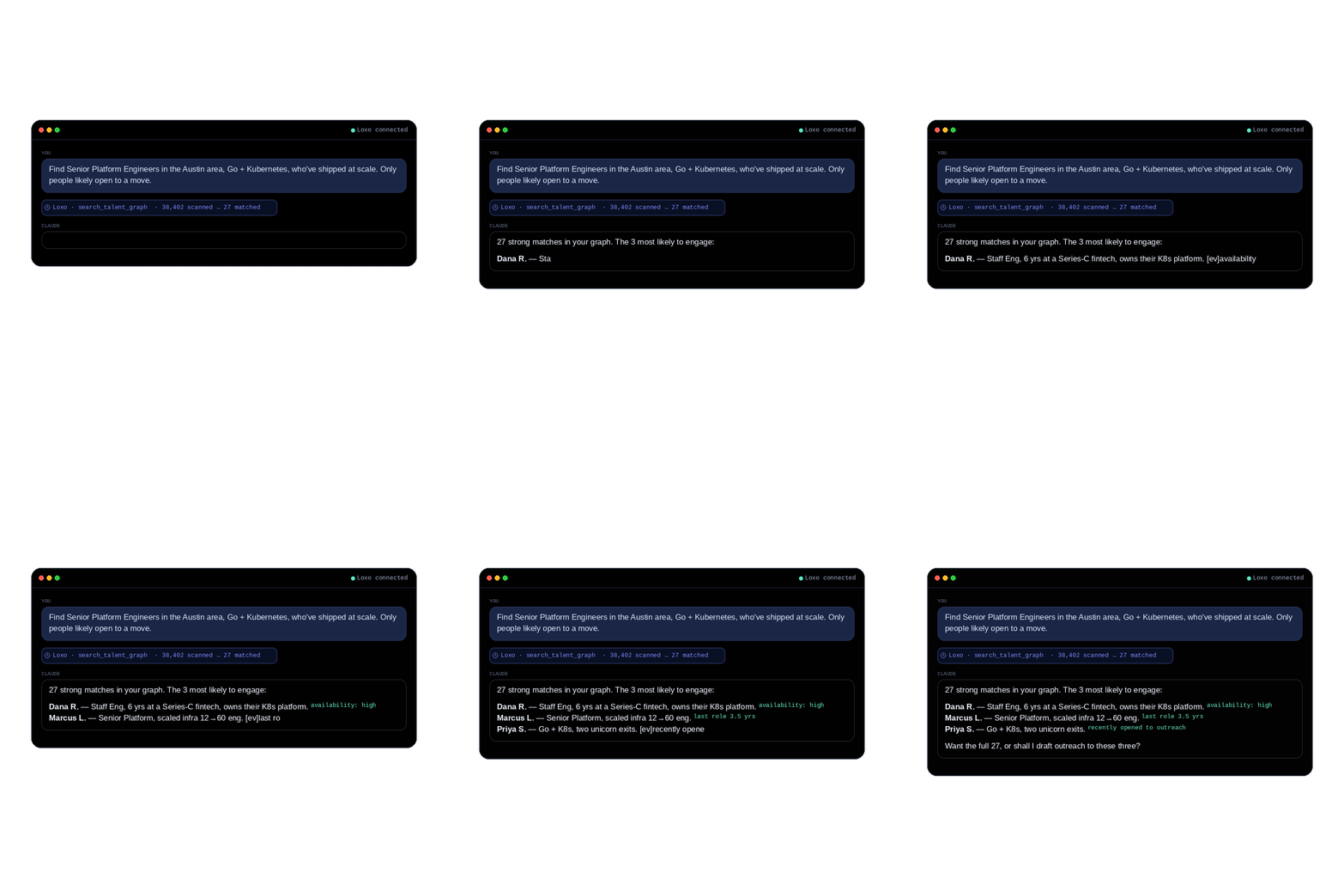
The teams getting the most value out of the Loxo MCP are using it not as a one-off novelty, but as an integrated part of how they work every single day. Some popular use cases include:
Your data is your most valuable asset — which means it must be protected at all costs. Any connector reaching into your data should be governed like one. Loxo’s is.

OAuth-secured
Standard sign-in, no passworkds pasted, no keys shared. You can revoke access any time, in seconds.

Compliance-first
Built in alignment with the EU AI Act and NYC Local Law 144. The model surfaces info — it never decides who is hired.

Scoped to your plan
You set read vs. write permissions. The MCP only exposes what your Loxo plan already allows — nothing more.
No. Loxo MCP is included for customers on professional plans and above, at no extra cost. Loxo Agents that use credits still consume credits when accessed through MCP, but the MCP connection itself isn't a paid add-on.
Any assistant that supports the Model Context Protocol, including Claude (desktop, web, and Code), ChatGPT, and Cursor. Setup is the same across all of the above: simply paste your agency-scoped MCP URL and authenticate once.
As with any tool, outputs are only as good as inputs. If your data is incomplete or incorrect in Loxo, your AI assistant's analysis will likely be equally flawed — or it may fill in the gaps with hallucinated answers.
In short: Loxo MCP doesn't fix bad data, but it may surface faster so you can fix it. As with usage of any AI tool, editing, proofreading, and analyzing outputs before accepting them as objective truth is recommended.
No. The Talent Intelligence Platform is still the best place for the structured work that comprises most of a recruiter’s core workflow. MCP is a complement for natural-language work: Search, summarization, analysis, and data hygiene. They're intended to work together.
Your job is placing the best talent in the roles that will define their careers, their lives, and our future. Our job is making it easier for you to do it.