Loxo AI Chat brings the AI assistants you love — Claude, GPT, Gemini, Grok — directly into Loxo, so you can ask questions and get answers grounded in your data plus Loxo's talent graph of 850M+ professionals. Simply open Loxo, ask a question, and get an answer directly from your database: Zero setup, no extra subscriptions, no copy-pasting data.
Trusted by 125,000+ recruiters around the globe



Recruiters have adopted AI chat faster than almost any professional tool in memory — but the AI tools most teams use every day aren’t privy to everything that matters:
Loxo AI Chat is your AI assistant right inside Loxo. Simply ask about candidates, pipelines, clients, deals, or old notes from six months ago and get the answer back instantly, without digging through records or jumping into another tool.
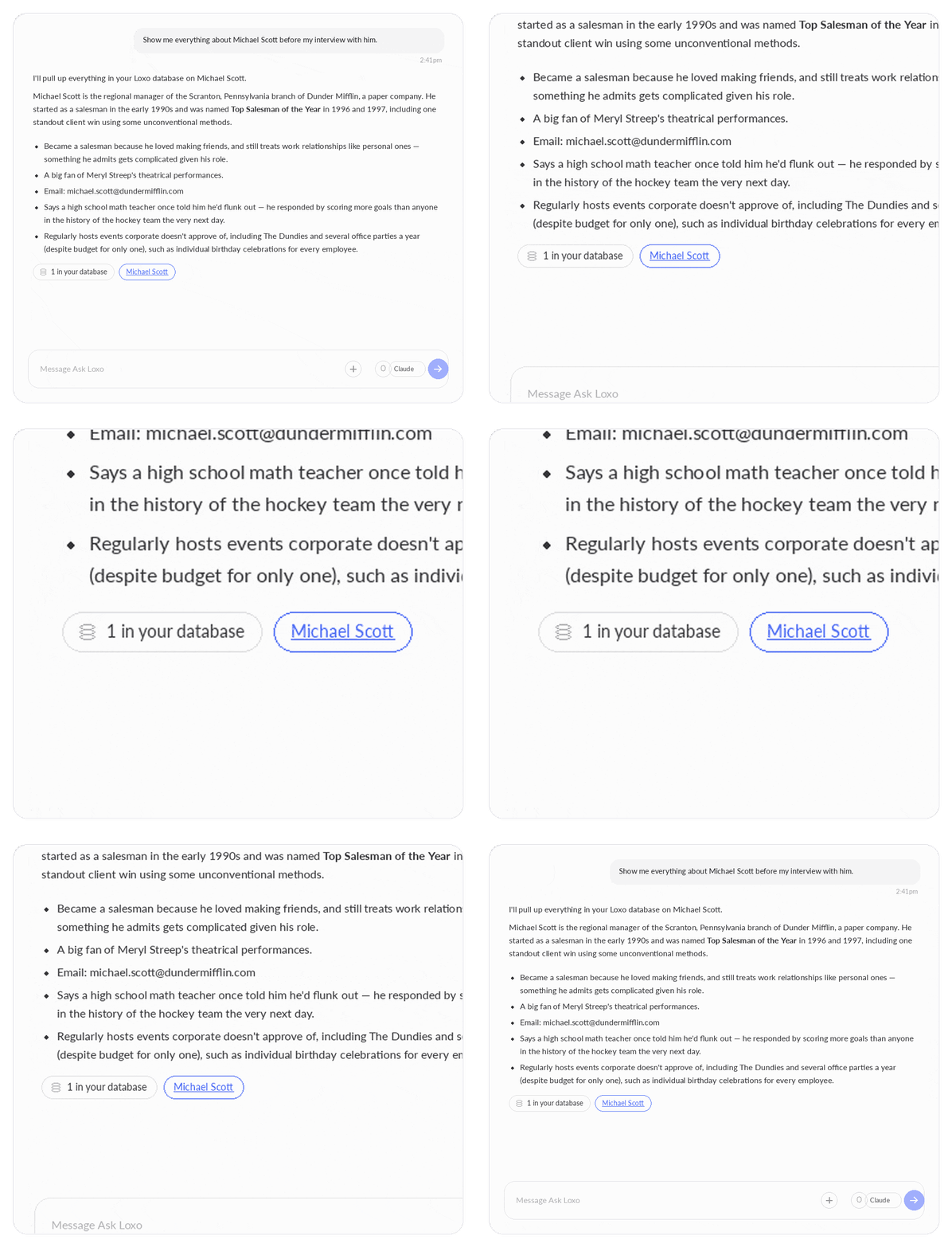
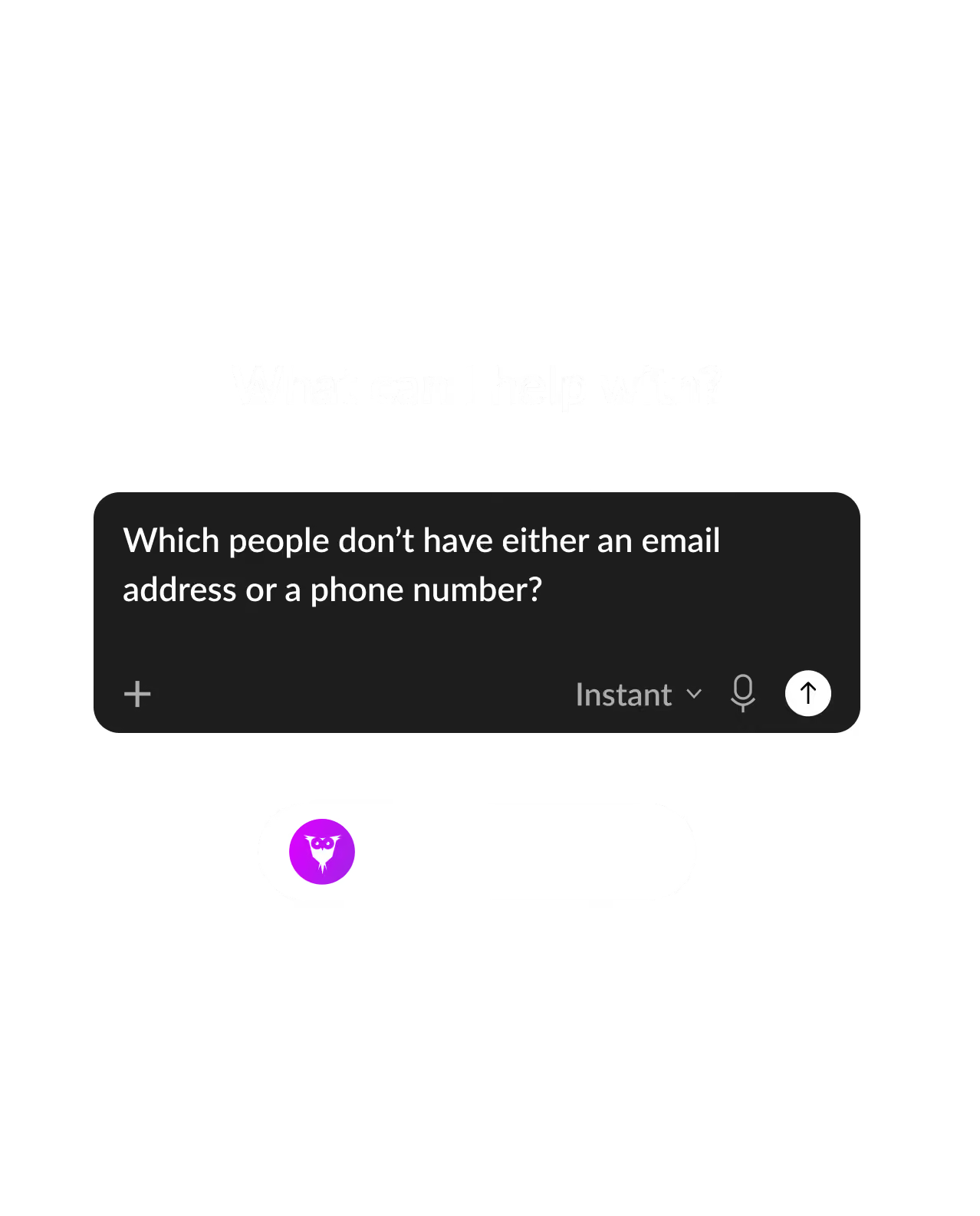

Recruiting was never short on information — the candidates, notes, and history have always been in your database, exactly where they should be. The friction was always the trip you had to take to get from the question to the answer: exporting a report, copying records into another tool, opening five tabs to piece together a story. Loxo AI Chat closes that gap by putting the assistant where the work already happens.
No — contractually, Loxo uses each LLM provider's zero-retention, no-training enterprise tier. Your data is used to answer your questions and nothing else.
Loxo AI Chat uses a usage-based pricing model that reflects the actual cost of the AI model being used for each interaction. Because pricing varies based on the model selected and the complexity of the request, there is no single flat credit cost per model.
No. The AI inherits the asking user's exact permissions. If a record isn't visible to that user in Loxo, it isn't visible to the AI answering their question.
The AI only ever sees what the signed-in user can see in the normal Loxo app — it operates with that user's permissions, scoped to their agency.
No — it's built not to. Every claim must come from a real source and carry a citation. If the AI can't find an answer in your database or within Loxo's talent graph, it will tell you so, rather than making an answer up.
Great question — we like where your head's at!
The Loxo MCP is the right call if you're already elsewhere and want Loxo brought to you. Loxo AI Chat is the right call if you're already in Loxo and want the answer without leaving. Most firms may end up using both — MCP for deeper sessions in an external tool, Loxo AI Chat for the two-second question that comes up mid-workflow.
A huge benefit to using Loxo AI Chat over MCP is that it removes another friction point. You're asking questions directly within your source-of-truth — and can easily toggle between AI assistants (each of which may be better suited for solving different challenges or answering different questions). To run that same workflow via MCP, you'd need multiple AI assistants open (and need to be paying subscriptions for each to get their full power).
Your job is placing the best talent in the roles that will define their careers, their lives, and our future. Our job is making it easier for you to do it.